
Cohorts, instructors, attendance and records — one back office
The part neither a website nor a course tool covers: running in-person, hybrid and clinical training day to day.

A cohort from start to finish
Create the cohort
Program, name, campus, room, lead instructor, capacity, minimum to run, deadlines and schedule option.
Generate sessions
Recurring patterns with holidays skipped, plus orientation, labs, clinical rotations, exams and make-ups.
Check conflicts
Warnings for double-booked rooms or instructors and rooms too small for the cohort.
Publish
The cohort appears on the public schedule with seats left; employer groups can stay private.
Take attendance
Present, late, absent, excused or make-up — in bulk or by QR check-in. Hours add up by lecture, lab and clinical.
Watch thresholds
Alerts to the student, instructor and admissions when a student nears the minimum hours.
Run skills checklists
Your competencies, each marked observed, passed, needs remediation or not attempted.
Manage clinical placements
Partner sites, slots and assignments; a student is placed only when required documents are approved.
Close the cohort
Final grades, hours and skills reviewed; certificates issued for every eligible student.
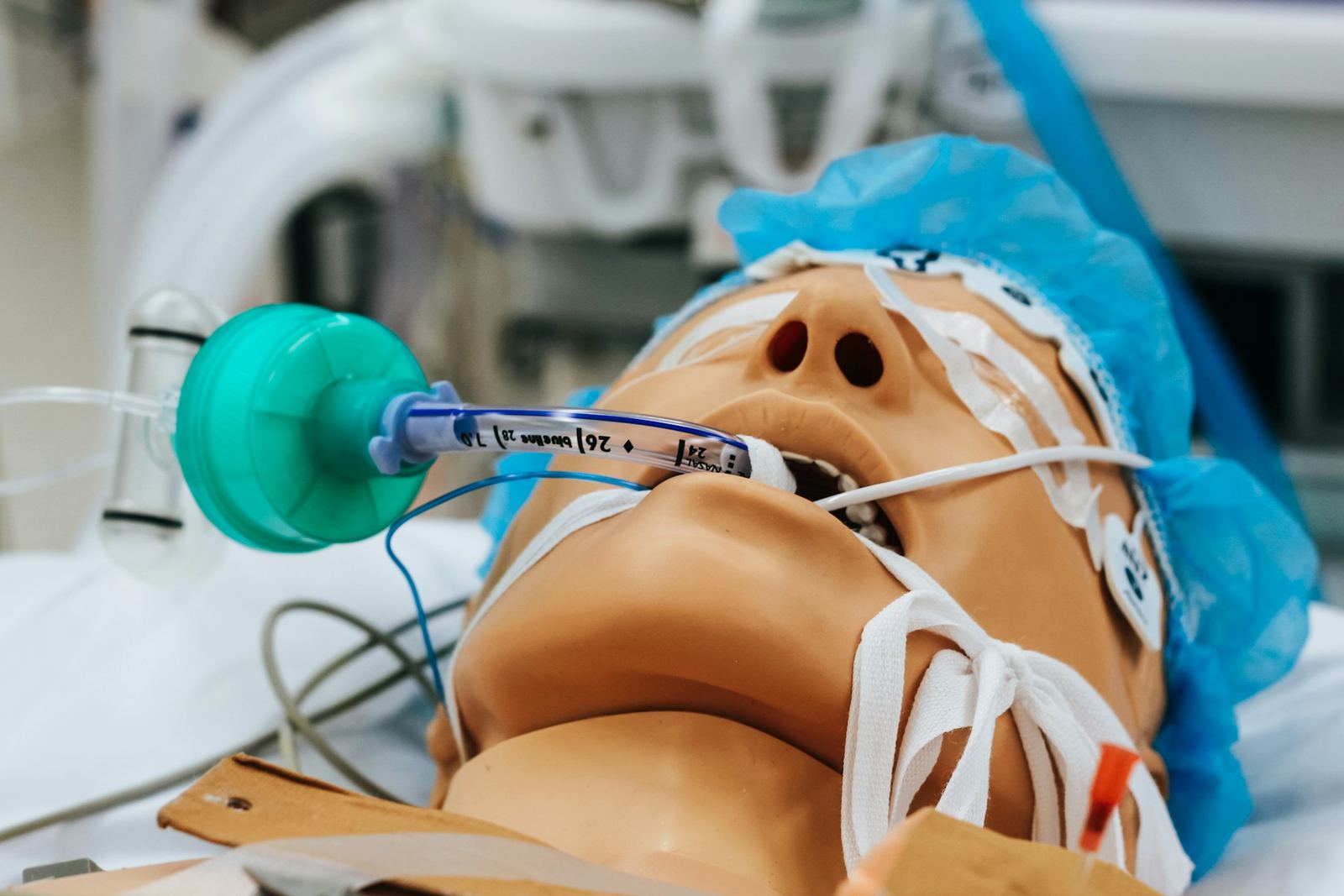
Skills your instructors check off
- Vital signs
- Hand hygiene
- Transfers
- Venipuncture
- Medication pass
- EKG lead placement
Instructors and staff
- Invitations, not shared passwords
- Each person sets a password and turns on two-step sign-in.
- Credentials with expiry dates
- Alerts 60 and 30 days before a license or CPR card expires.
- Instructor workspace
- Today's sessions, rosters with photos, one-tap attendance, grading queue, skills and flagged students.
- Content collaboration
- Instructors draft lessons and quizzes; a program manager reviews and publishes.
- Hours taught
- Sessions and hours per instructor, exported for your payroll or contractor invoices.
Roles that ship ready
- Owner
- Administrator
- Program manager
- Admissions
- Finance
- Instructor
- Content author
- Front desk
Instructors never see payment data, and every permission change is recorded.
One file per student
- Profile and contacts
- Applications and status
- Documents and signatures
- Enrollments and cohorts
- Attendance and hours
- Grades, quizzes and skills
- Payments and balance
- Certificates
- Messages and email history
- Private staff notes
- Audit trail
Every lead followed up
- New
- Contacted
- Tour or consult booked
- Applied
- Enrolled
Form submissions, calls and walk-ins become leads with their source, program and language. Each lead has an owner and a follow-up task; converting a lead to an applicant keeps the whole history.
Reports from day one
| Report | Key measures |
|---|---|
| Leads | By source, program, owner and stage; conversion rate |
| Applications | By stage, missing items, time to decision |
| Enrollment | By program, cohort, campus and month; seats available, held, paid and waitlisted |
| Revenue | Collected, outstanding, deposits, refunds, failed payments, by payer |
| Attendance and hours | By cohort and student; at-risk list |
| Academic | Quiz averages, pass rates, skills completion, exam readiness |
| Online courses | Sales, active learners, completion rate, expiring access |
| Certificates | Issued, expiring, revoked, verifications by employers |
| Renewals | Due in the next 90 days, renewed, revenue recovered |
| Instructors | Hours taught, cohorts, credential expiry |
Let's map your school's student journey
Tell us about your programs and students. We reply within one business day with the package that fits and a written estimate.