

 Français
 Español
Book, portal, forms, payments — each to the right place
Patients can do more online, and your website stays simple and safe: every task is handed to the scheduling, portal, form and payment tools your practice has chosen and approved.

Where each patient action goes
-
Book online
A prominent Book button on every page and on each provider profile
Where it goesYour scheduling system, or a booking link from a platform such as Zocdoc -
Request an appointment
A short request form that asks for contact details and a preferred time — never symptoms or medical history
Where it goesYour front desk -
Patient portal
A visible Patient Portal button; results, messages and records stay in the portal
Where it goesYour existing portal -
Digital forms
Links to new-patient, consent, insurance, referral and pre-visit forms
Where it goesYour approved secure form tool or portal -
Pay my bill
A Pay My Bill button and a page explaining payment options; card details never touch the website
Where it goesYour payment provider or billing portal -
Telehealth
A clear link and simple instructions for joining a video visit
Where it goesYour virtual-visit tool -
Prescription refills and results
Patients are sent to the portal — refills and results are never requested through a website form
Where it goesYour patient portal -
Call and directions
Click-to-call numbers, hours, map, parking and access notes
Where it goesYour phone line and maps
Simple rules we follow on every clinic website
- The website does not store or manage medical records.
- A contact form never asks for symptoms, diagnoses or medical history.
- Card payments go to your payment provider, never through the website.
- Sensitive forms use the secure tool or portal your practice selected.
- Marketing trackers stay off booking, forms and portal pages unless you approve them.
Telehealth, when you offer it
If your practice offers video visits, the website explains who they are for, how to prepare and how to join — then sends patients to the telehealth tool you already use.
Privacy & ownership
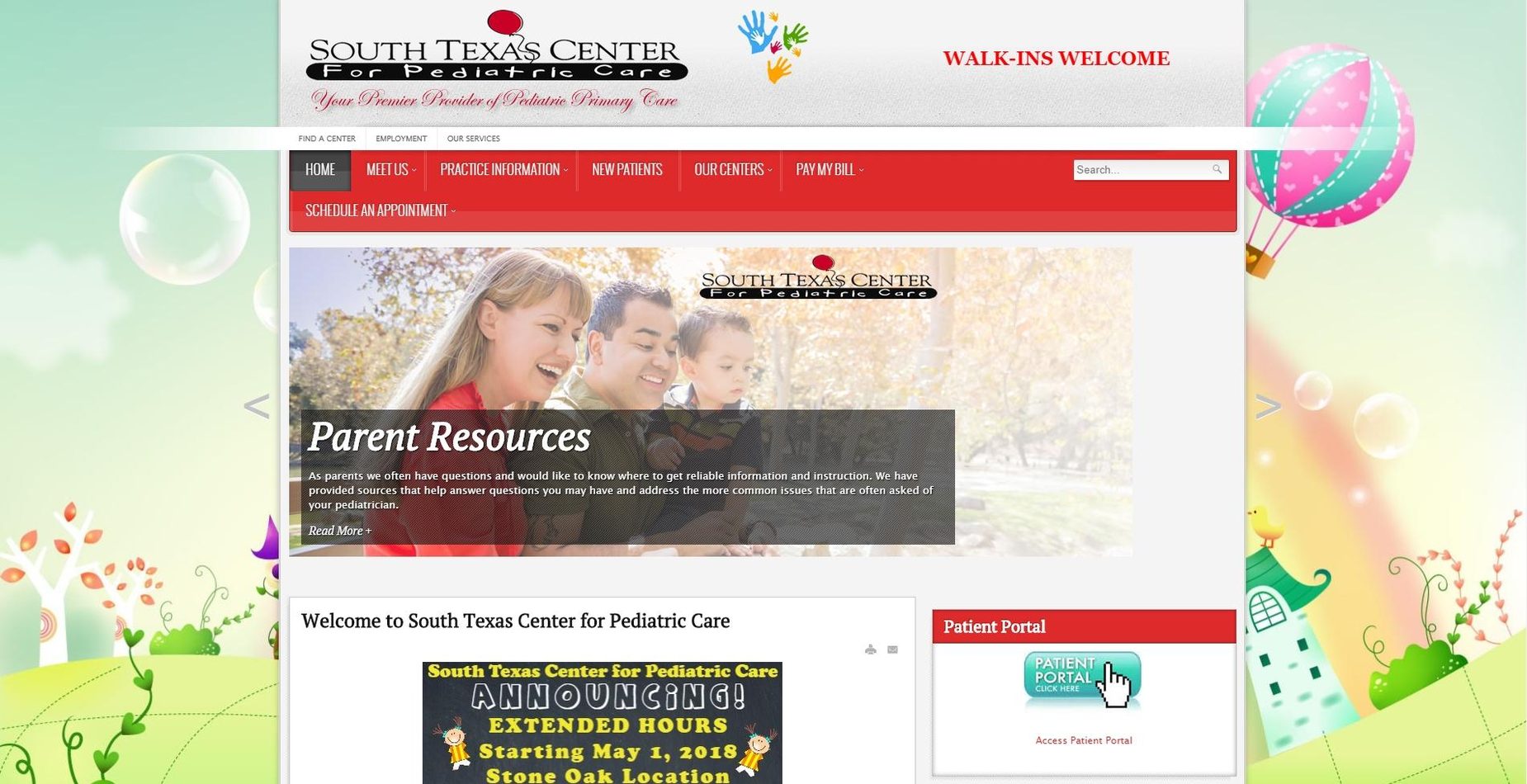
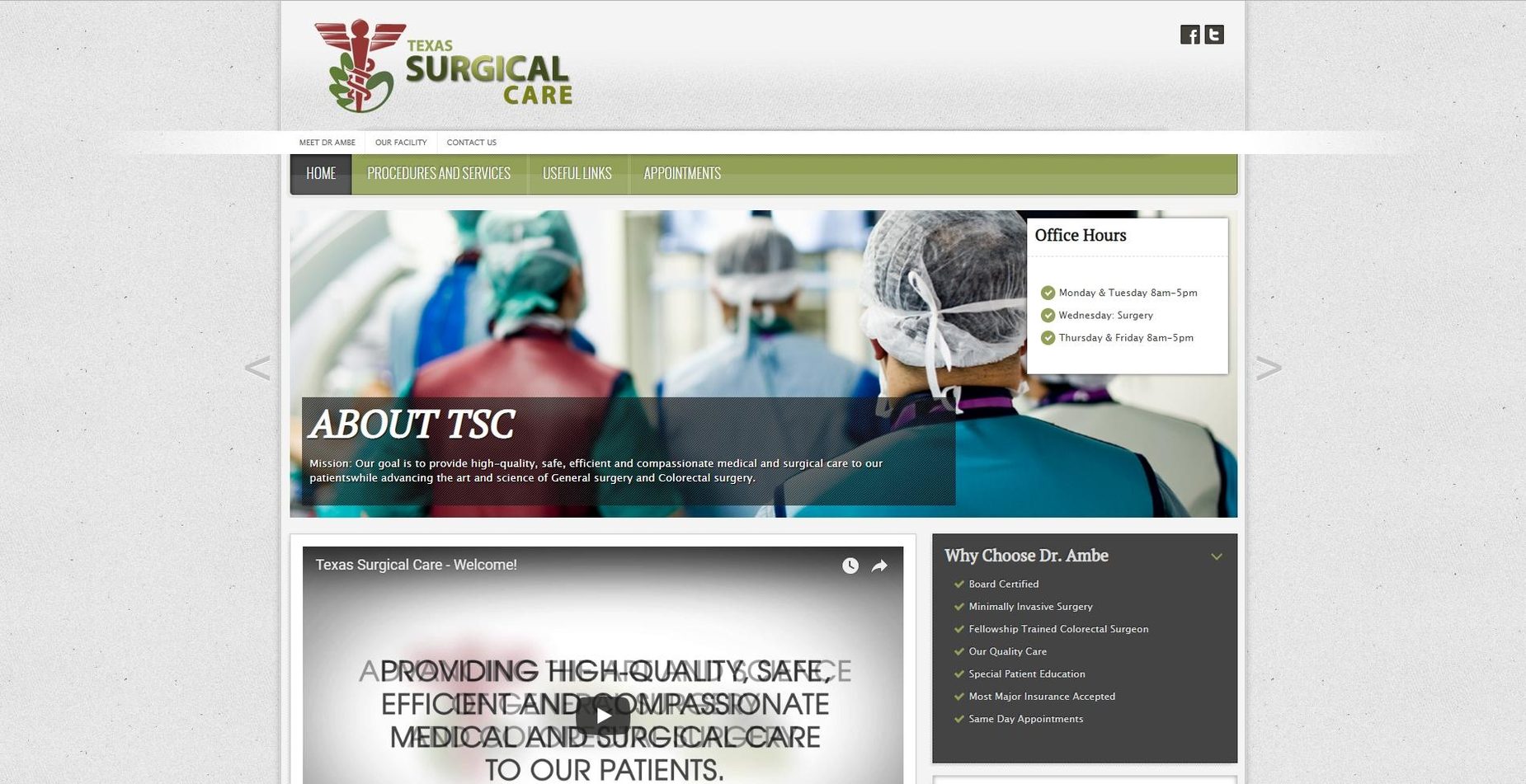
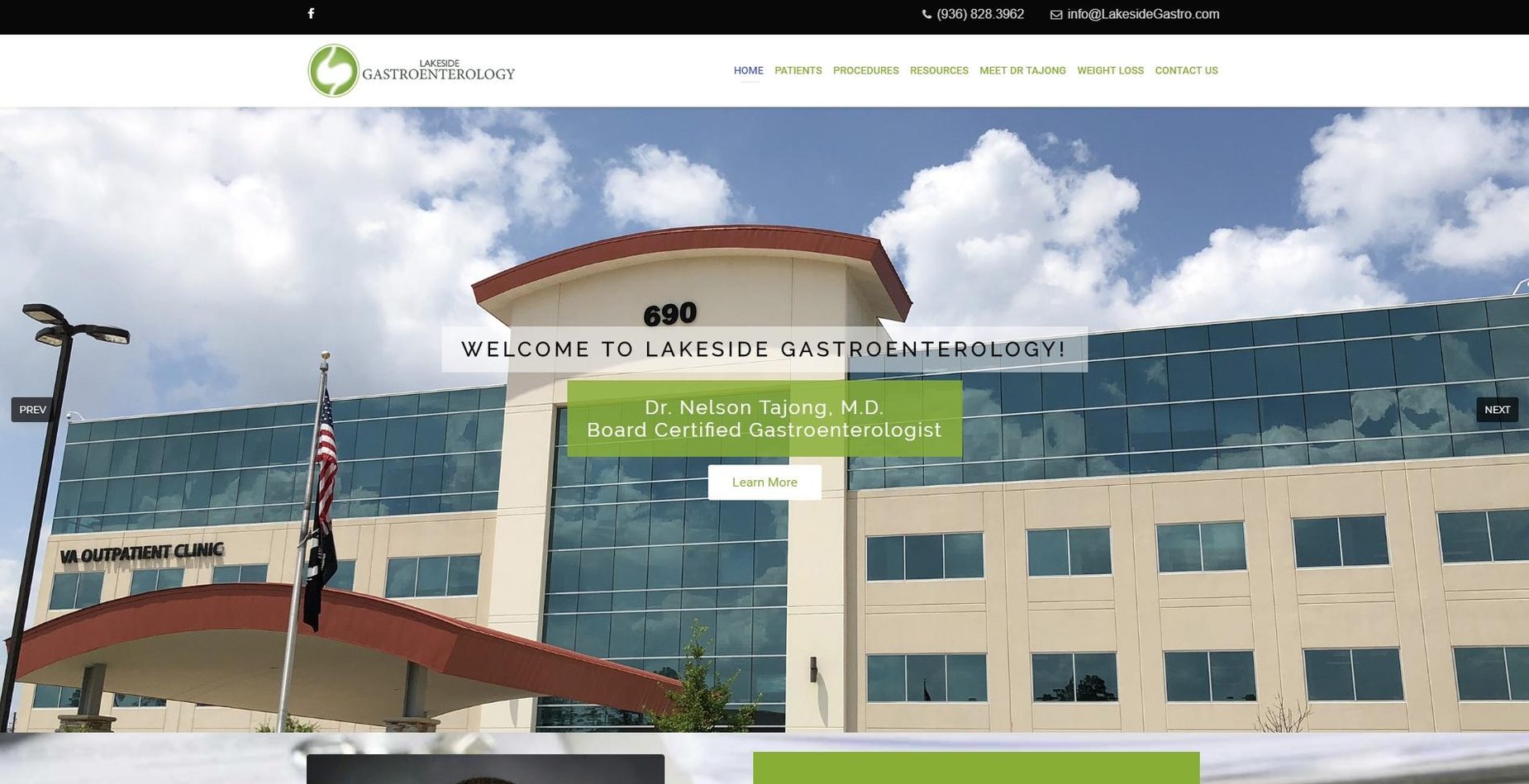
Websites we've built
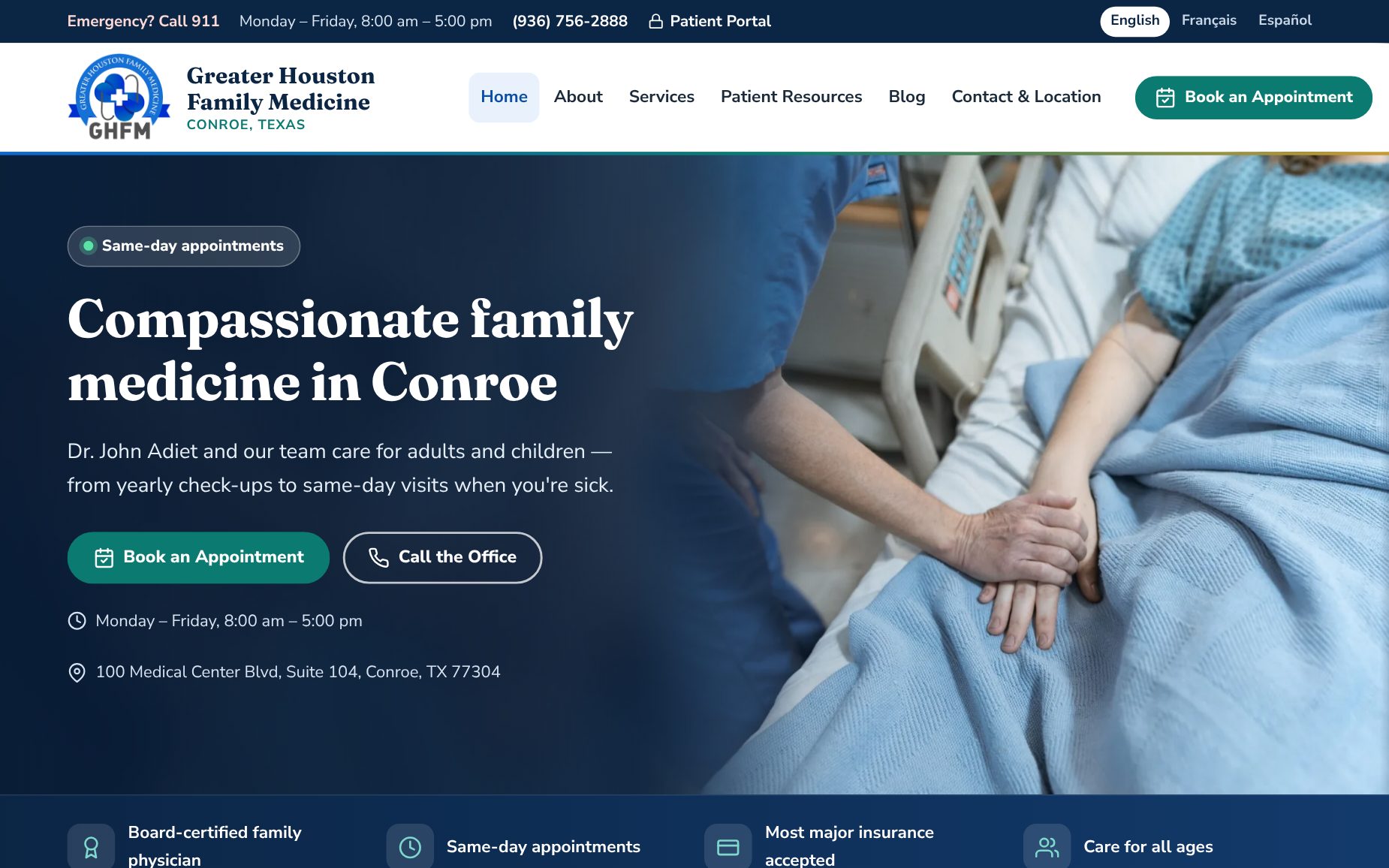
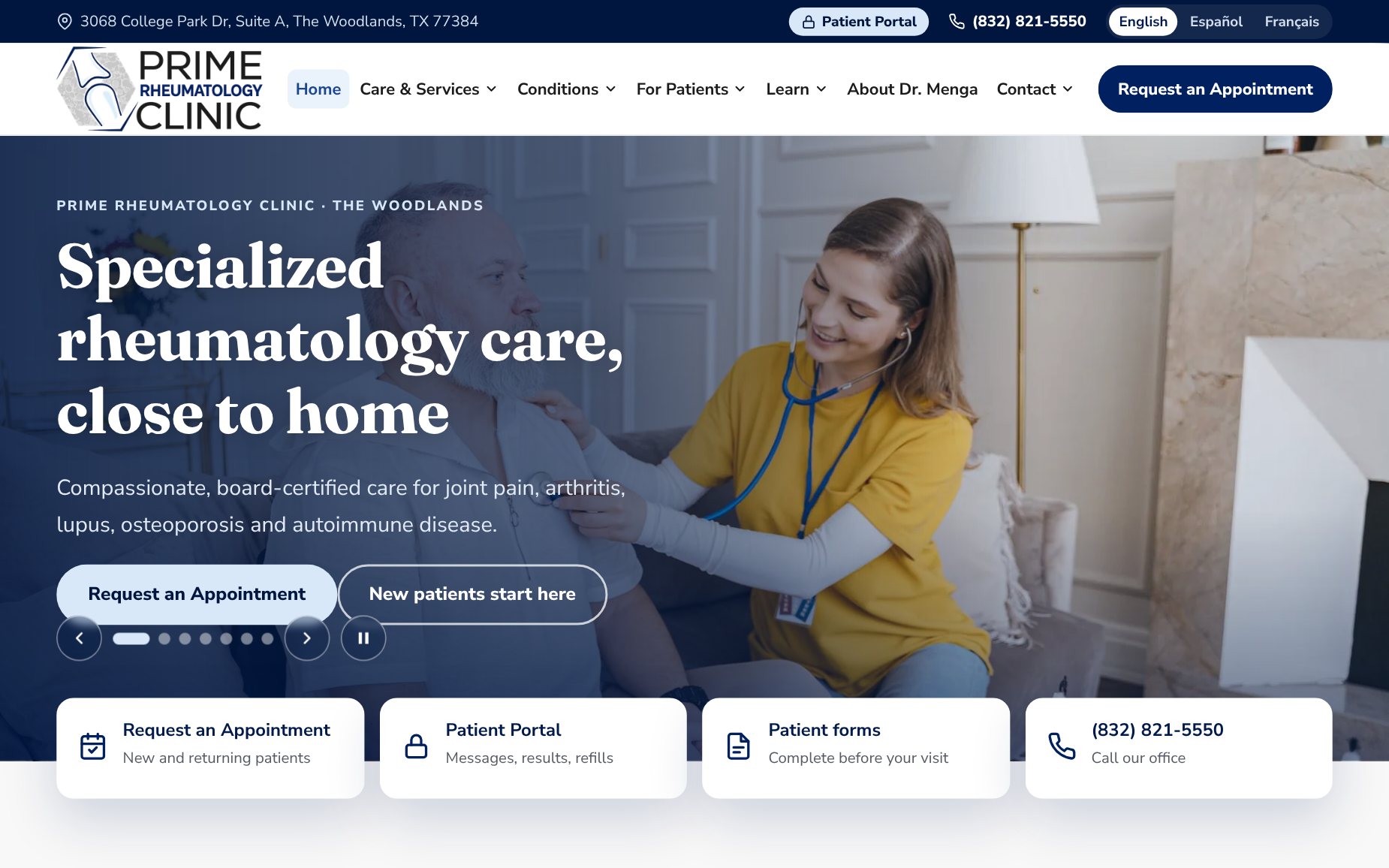
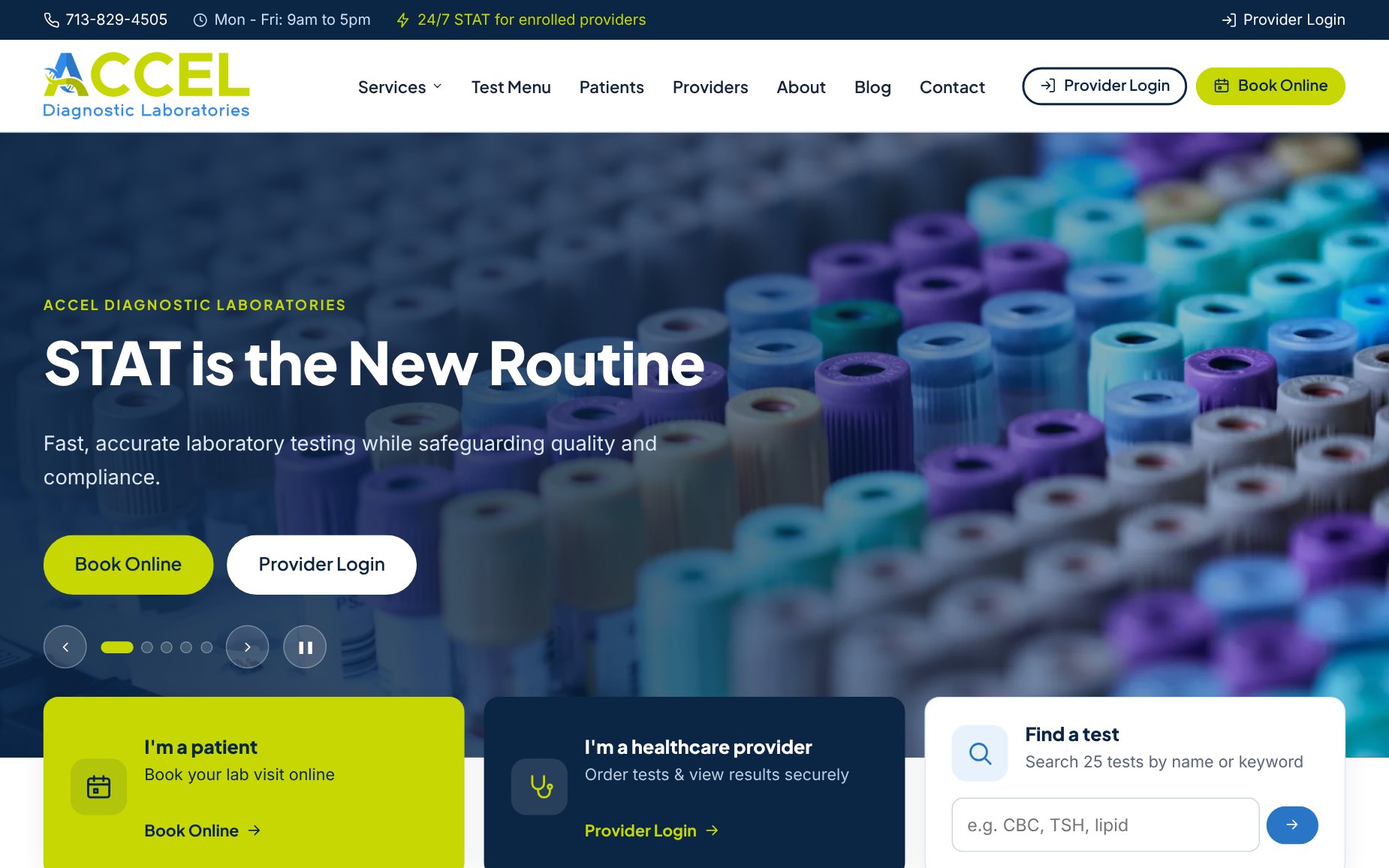
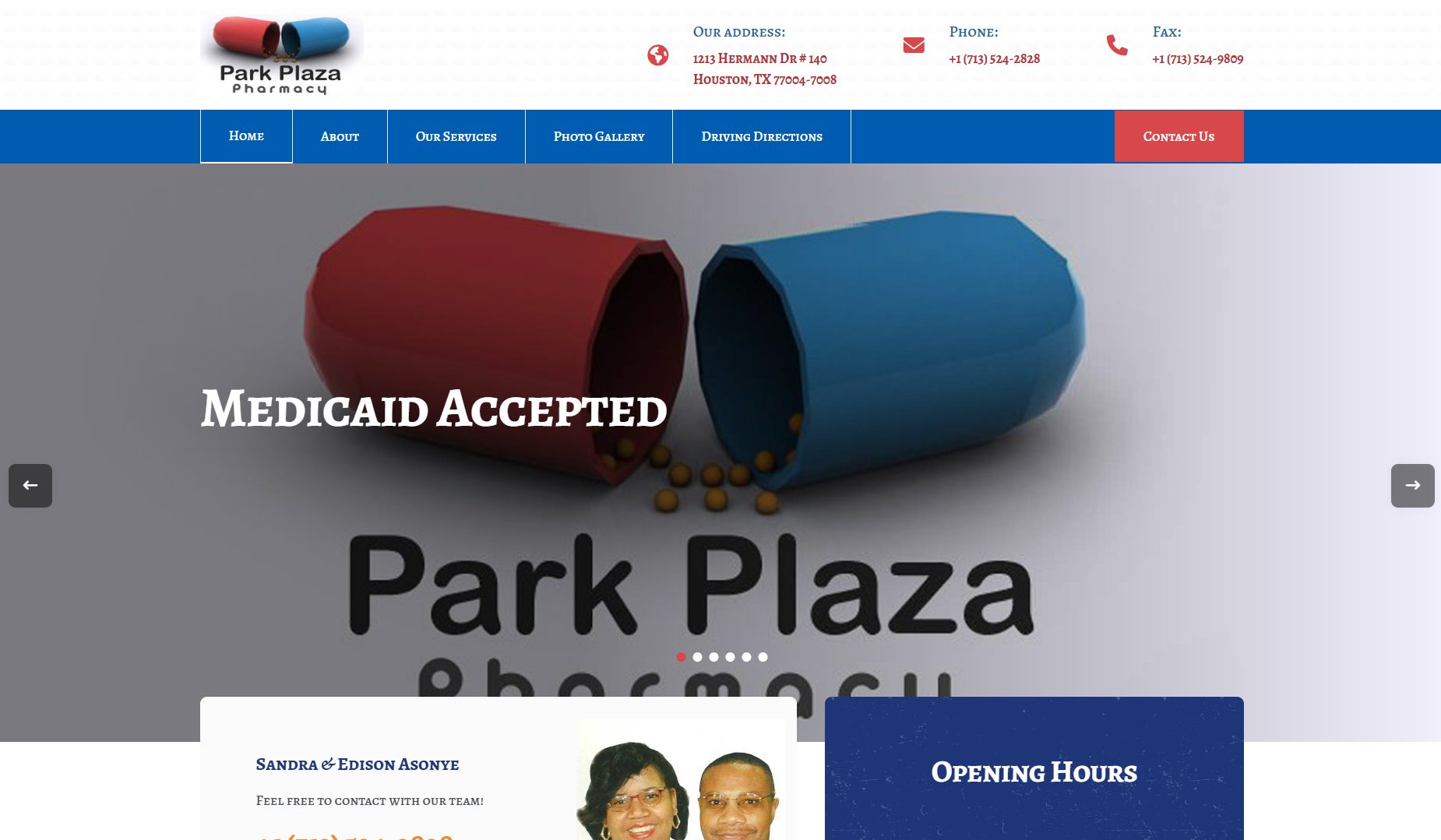
A few of the websites we designed and built for organizations like yours.





Let's look at your practice's website together
We review your current website, the systems you already use and the actions your patients need most, then recommend a right-sized package — no obligation.